
Your Electrician Website Is Losing Jobs Right Now
A homeowner's breaker trips at 9 PM. They grab their phone, search "electrician near me," and tap the first result. Within 8 seconds they decide: call this company or hit the back button. Your electrician website gets one shot, and most blow it.
I've reviewed hundreds of electrical contractor websites over the past two years. The pattern is painfully consistent — 73% of small electrician websites fail at least three of the ten features below. The businesses with high-quality websites? They're booking 3-4x more jobs from organic search than competitors with a basic one-pager.
Here's what actually separates a website that converts from one that just exists.
1. A Hero Section That Earns the Click
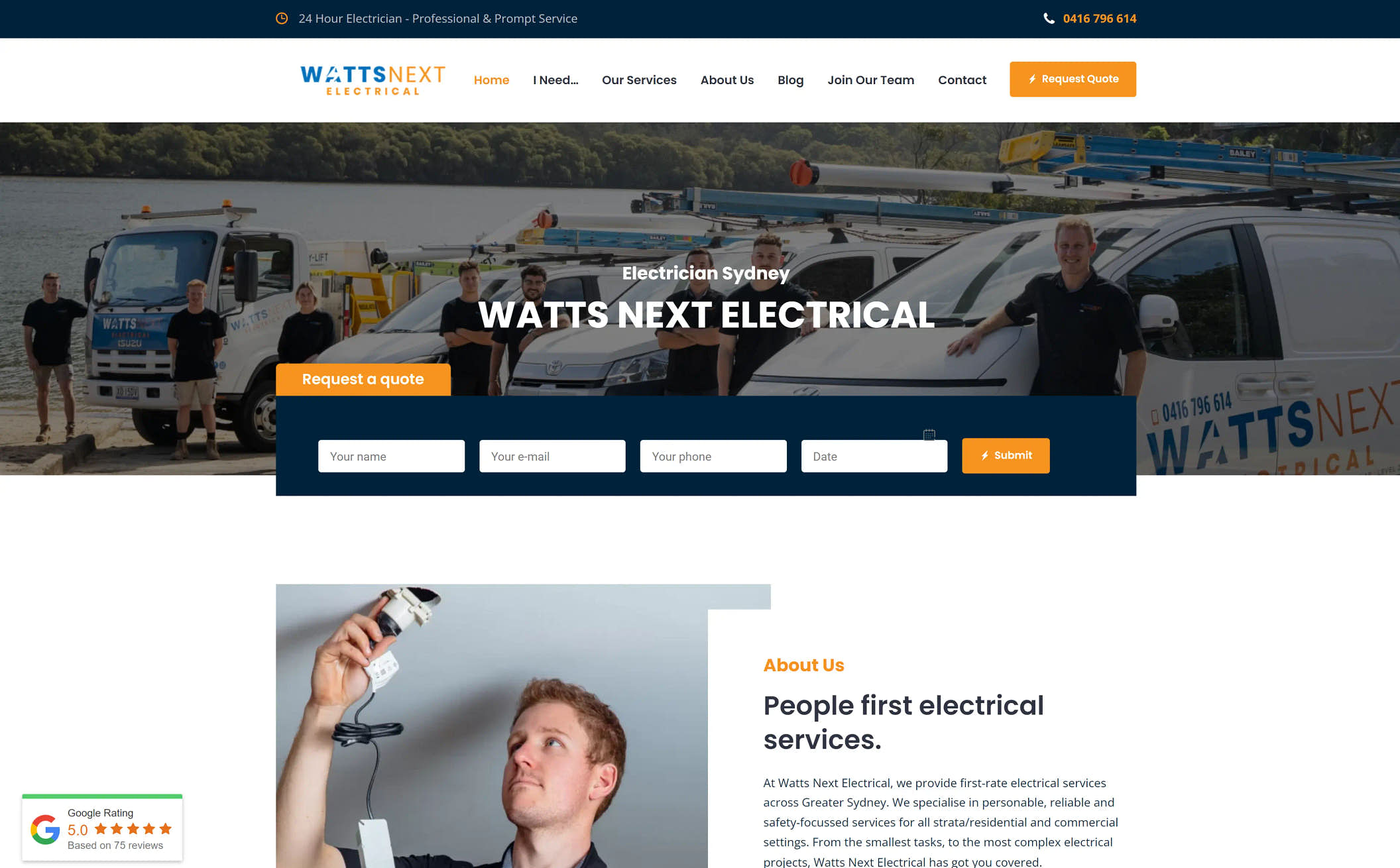
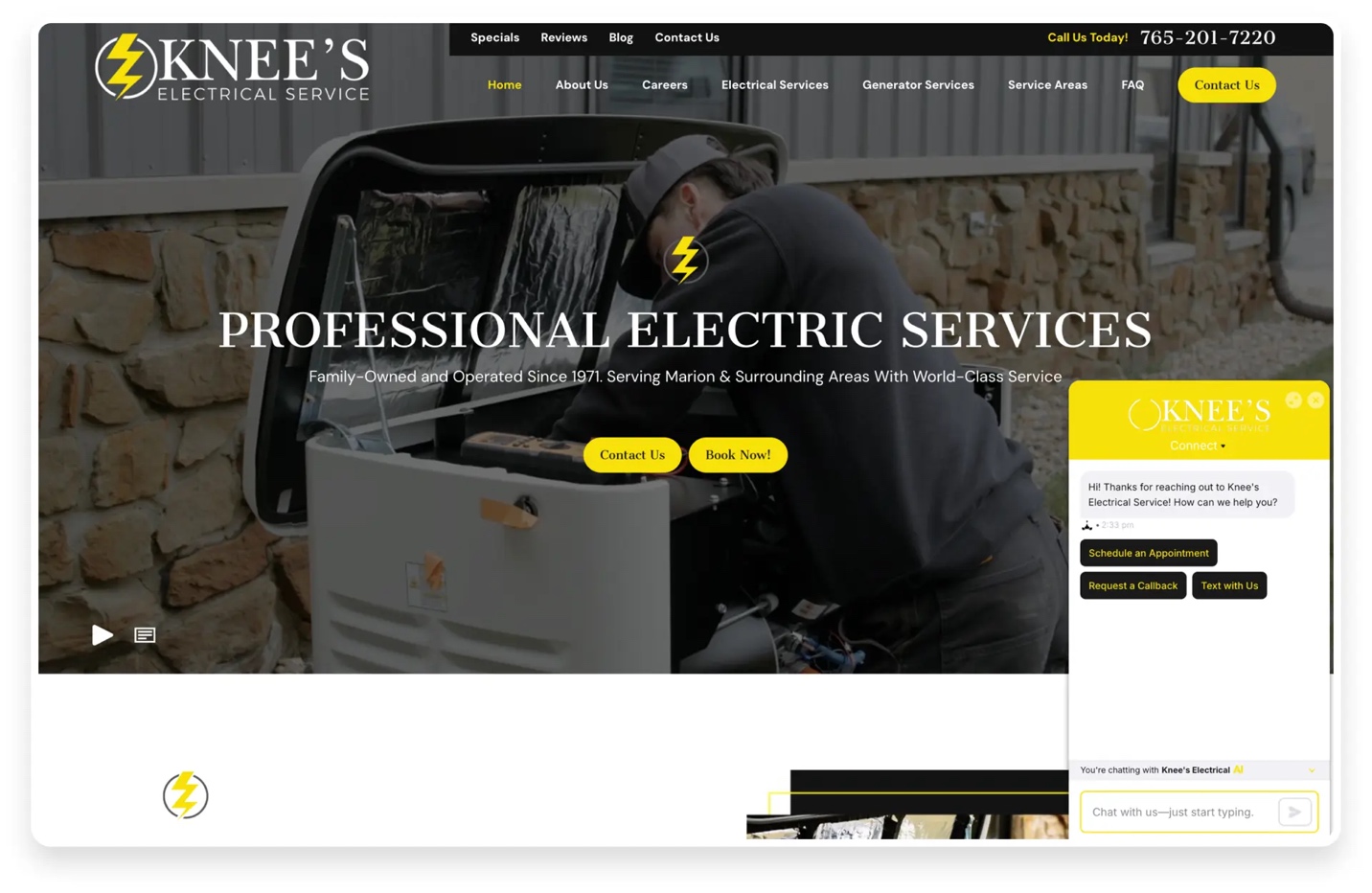
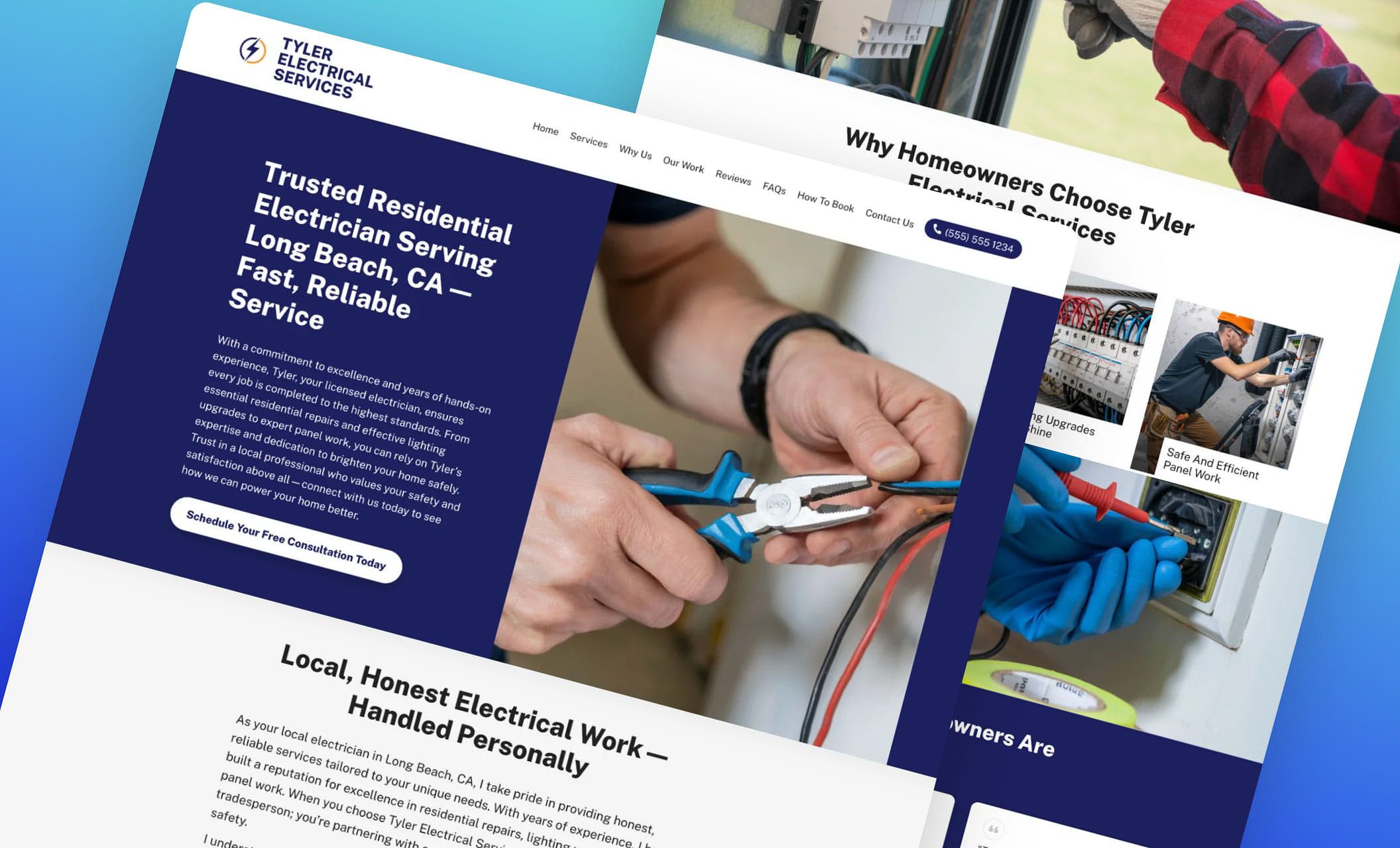
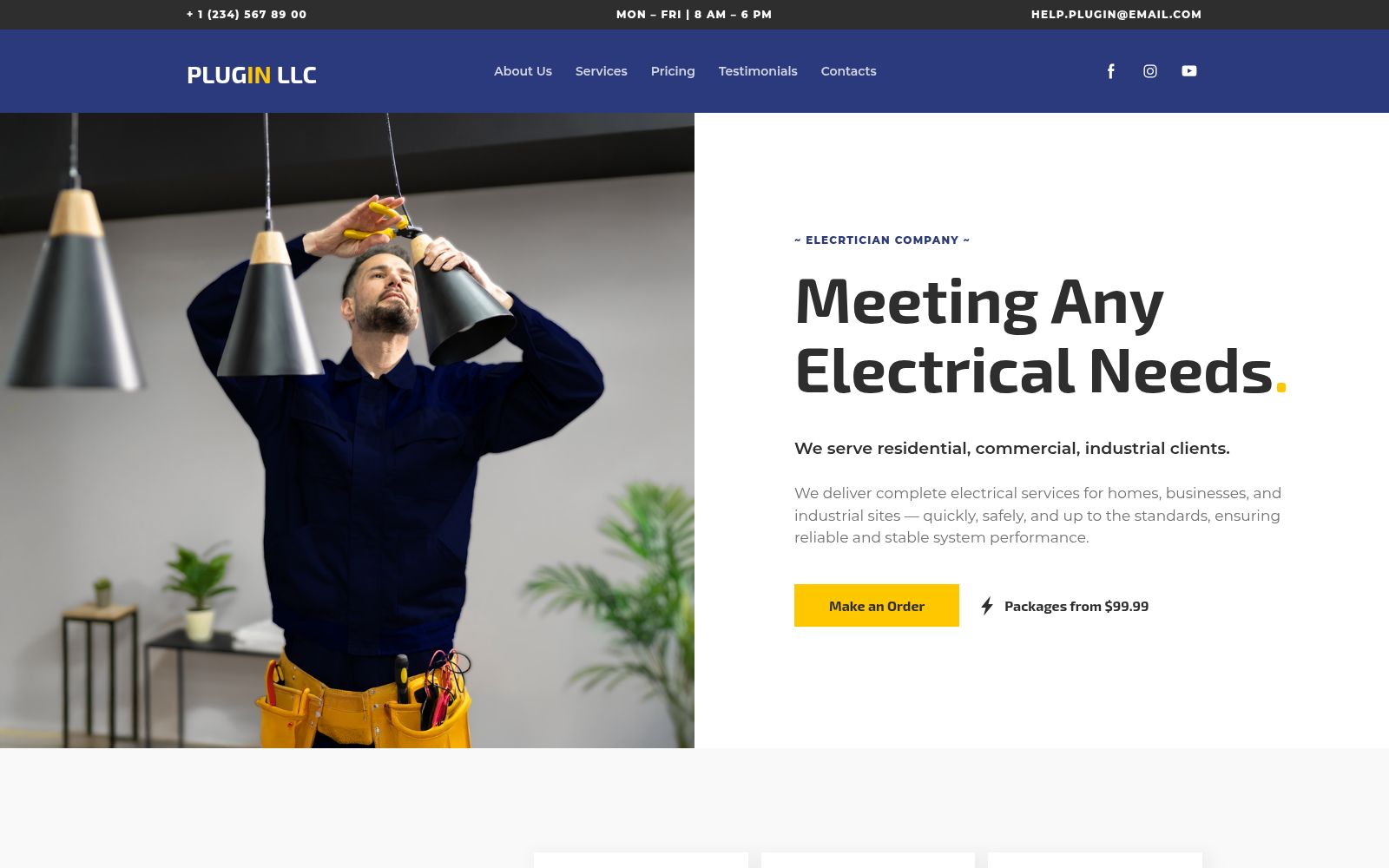
The first screen decides everything. Most electrician websites open with "Welcome to [Company Name]" and a stock photo of a guy holding a wrench. That's a bounce.
A high-quality electrician website hero section includes five elements:
- A specific headline — "24/7 Licensed Electrician in Jacksonville, FL" beats "Welcome to Our Website" every time
- A trust line — "Licensed, Insured, 15+ Years Experience" directly under the headline
- A primary CTA — A big, visible "Call Now" or "Get a Free Quote" button
- A clickable phone number — 60% of electrician searches happen on mobile. If the number isn't tap-to-call, you're losing leads
- Service area mention — "Serving Jacksonville, Orange Park, and St. Augustine"
Weak hero: "Welcome to Sparky Electric. We are a full-service electrical company committed to excellence."
Strong hero: "Same-Day Electrician in Jacksonville, FL — Licensed & Insured Since 2011. Call (904) 555-0123 for a Free Estimate."
The strong version tells the visitor exactly what they need to know in under 3 seconds.
Test your hero section with the "squint test." Squint at your homepage on a phone screen. If you can't immediately identify what you do, where you do it, and how to contact you — redesign it.
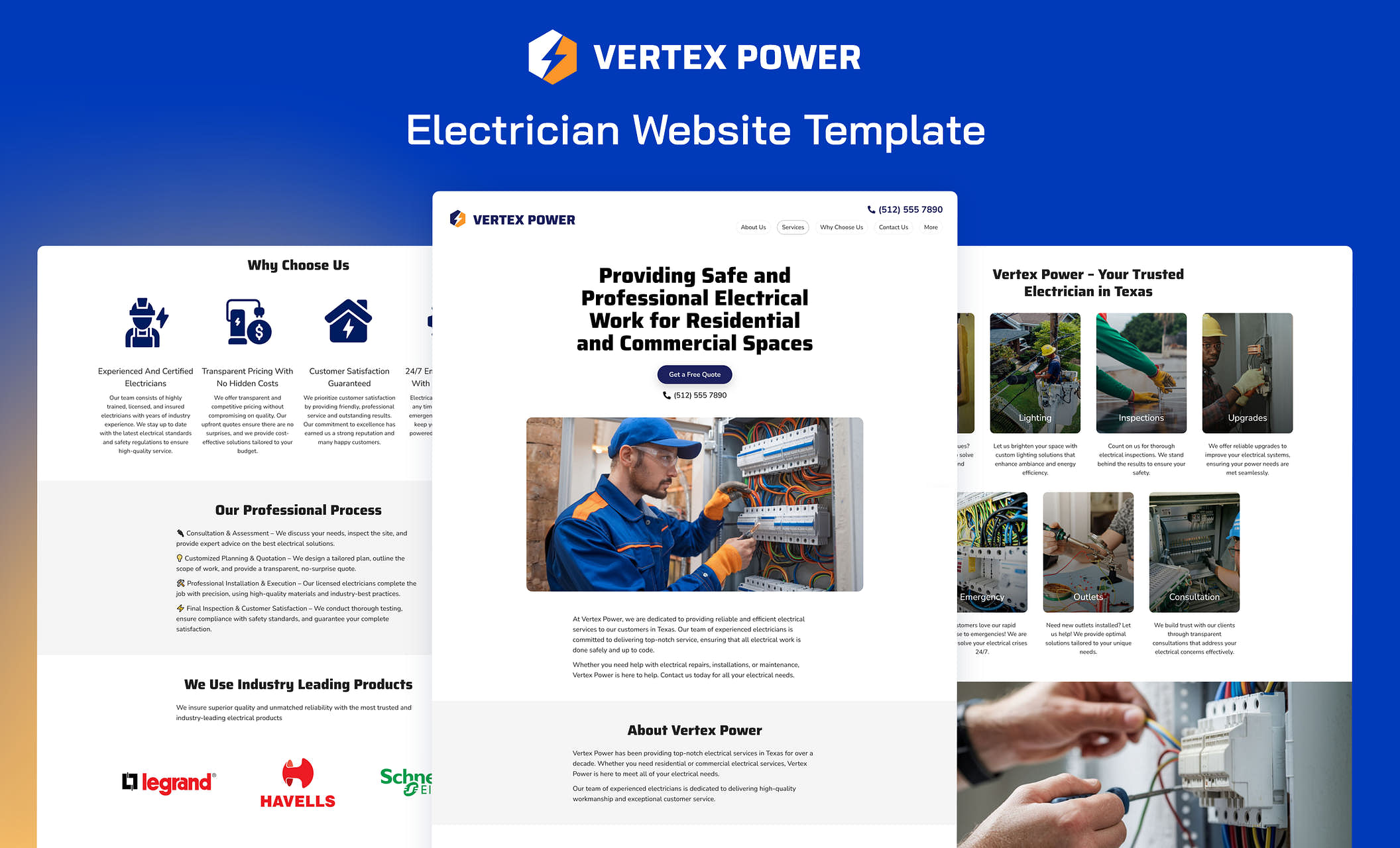
2. Individual Service Pages (Not Just One Page)
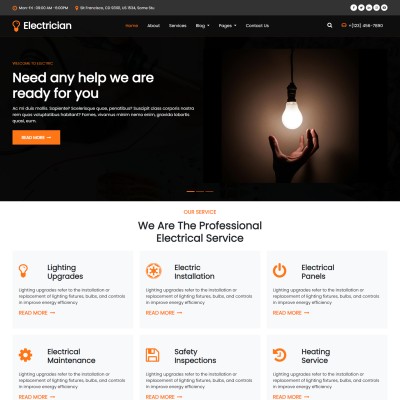
This is the single biggest gap I see in electrician websites — and the single biggest opportunity.
A one-page site that says "We do residential and commercial electrical work" ranks for almost nothing. Google needs dedicated pages to understand what you offer. Each service needs its own page targeting a specific keyword:
| Service | Target Keyword |
|---|---|
| Panel upgrades | "electrical panel upgrade [city]" |
| Wiring & rewiring | "house rewiring cost [city]" |
| Lighting installation | "lighting installation [city]" |
| EV charger installation | "EV charger installer [city]" |
| Generator installation | "whole-home generator [city]" |
| Emergency electrical | "emergency electrician [city]" |
An electrician in Fort Worth I worked with went from a single "Services" page to eight dedicated service pages. Within 4 months, organic leads jumped from 12/month to 47/month. The service pages did all the heavy lifting.
Each page should include 600-800 words, real photos from your jobs, pricing ranges (even ballpark), and a location-specific CTA. Read our full guide on building service pages that rank for the step-by-step process.
3. Location Pages for Every City You Serve

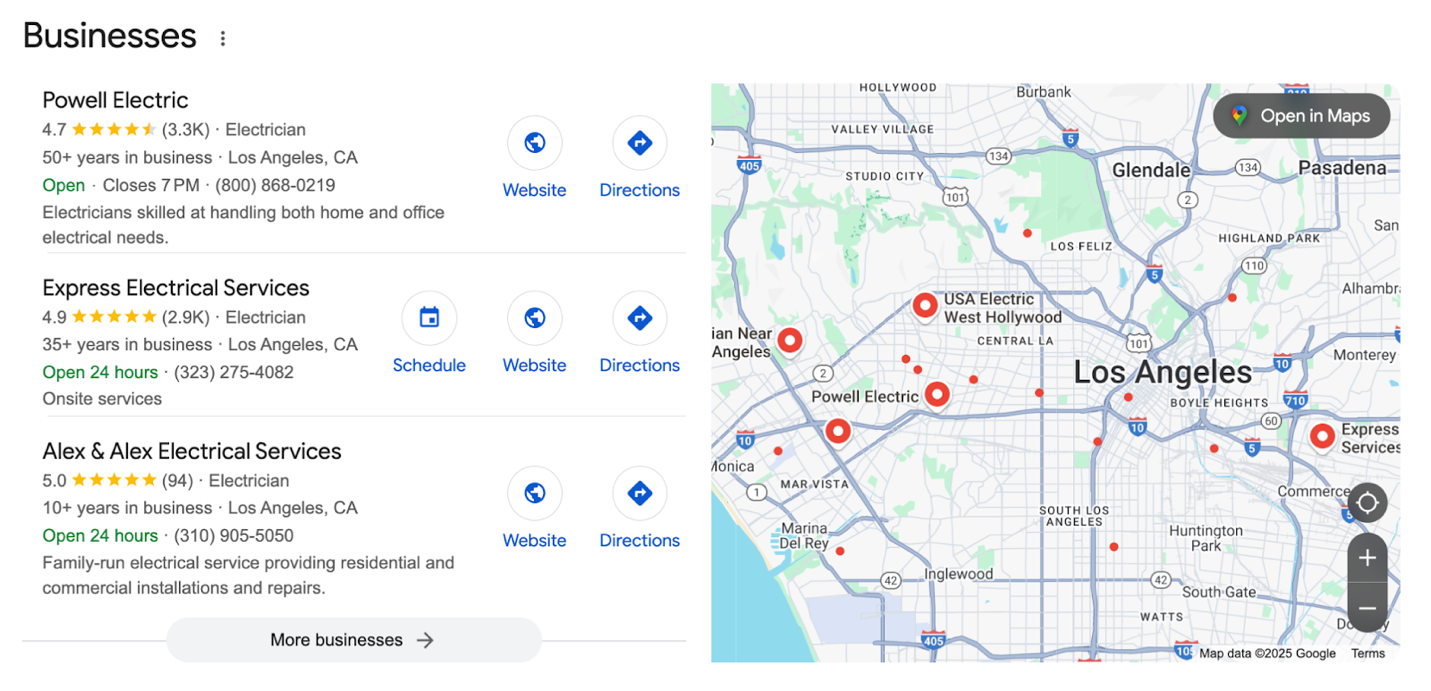

If you serve Tampa, Clearwater, and St. Petersburg — you need three separate location pages. One generic "Service Areas" page won't cut it.
Location pages are a local SEO goldmine because they capture city-specific searches:
- "Electrician in Tampa"
- "Electrician in Clearwater"
- "Licensed electrician St. Petersburg FL"
46% of all Google searches have local intent. When someone searches with a city name, Google prioritizes pages that specifically target that location. A dedicated "Electrician in Clearwater" page will outrank your homepage for that search almost every time.
Each location page needs unique content — not the same copy with the city name swapped out. Reference local landmarks, specific neighborhoods, and city-specific licensing requirements. Google's algorithm in 2026 is sophisticated enough to detect thin location page spam.
Generating 50 nearly identical location pages with just the city name changed will hurt your rankings. Google's Helpful Content Update specifically targets this pattern. Build 5-10 strong location pages for your primary service areas first. Quality over quantity.
4. Trust Signals on Every Page


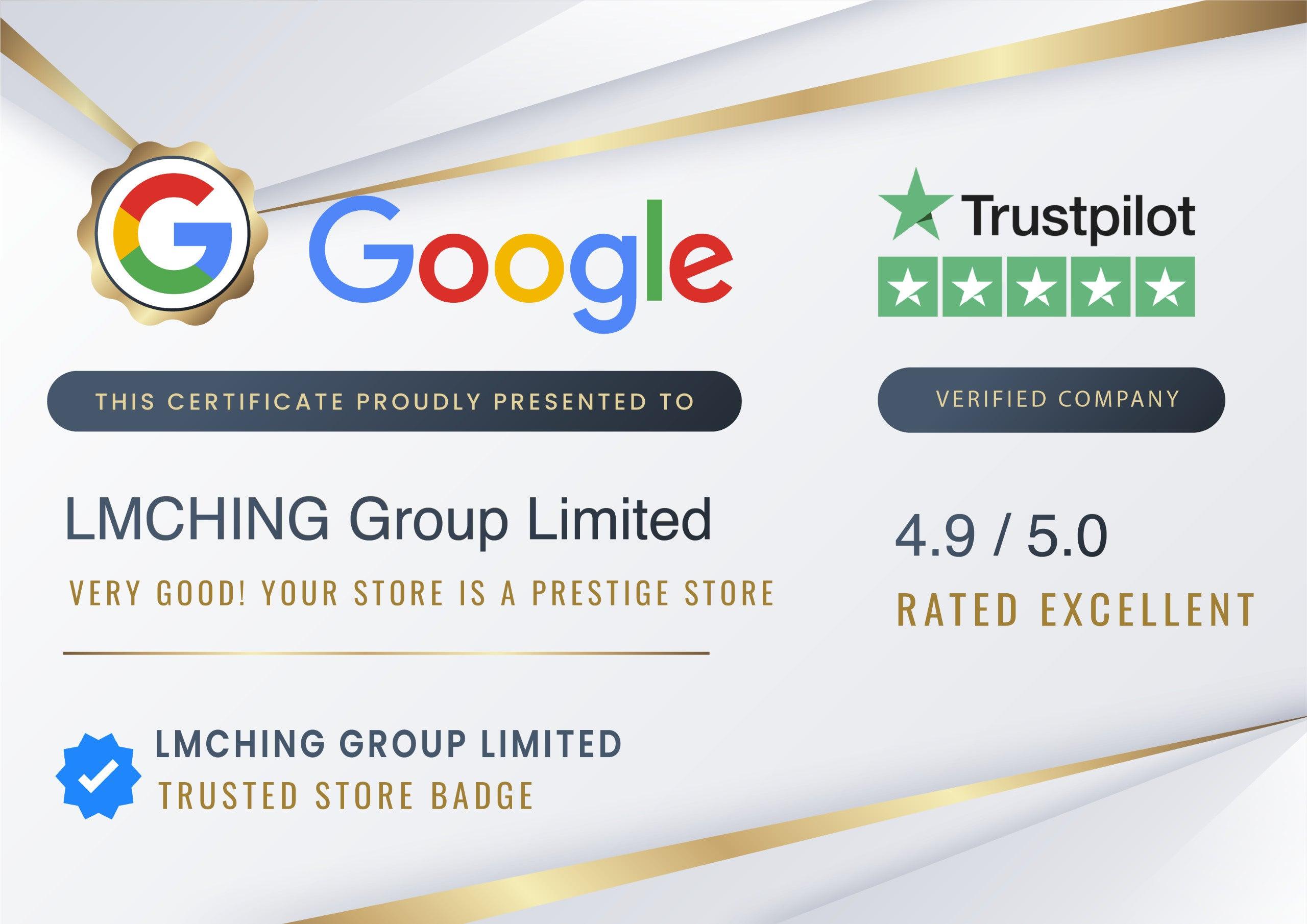
People are letting a stranger into their home. Trust isn't a nice-to-have — it's the difference between a phone call and a back button.
Your electrician website needs these trust signals visible across the site, not buried on an "About" page:
- Google reviews — Embed your reviews or display star ratings and review counts. 88% of consumers trust online reviews as much as personal recommendations
- "Licensed & Insured" badge — Display your license number, not just the words
- Years of experience — "Serving Dallas Since 2008" is concrete; "years of experience" is vague
- Before/after photos — Real photos from real jobs perform better than stock, though stock is fine as a starting point
- Certifications — NEC compliance, manufacturer certifications, any relevant trade credentials
- BBB rating or trade association memberships — If you have them, show them
One thing I've noticed across hundreds of audits: the electricians booking the most calls per website visitor almost always have their Google review count and star rating in the header or hero section. Make trust visible immediately, not after three clicks.
5. Strong Calls-to-Action on Every Page
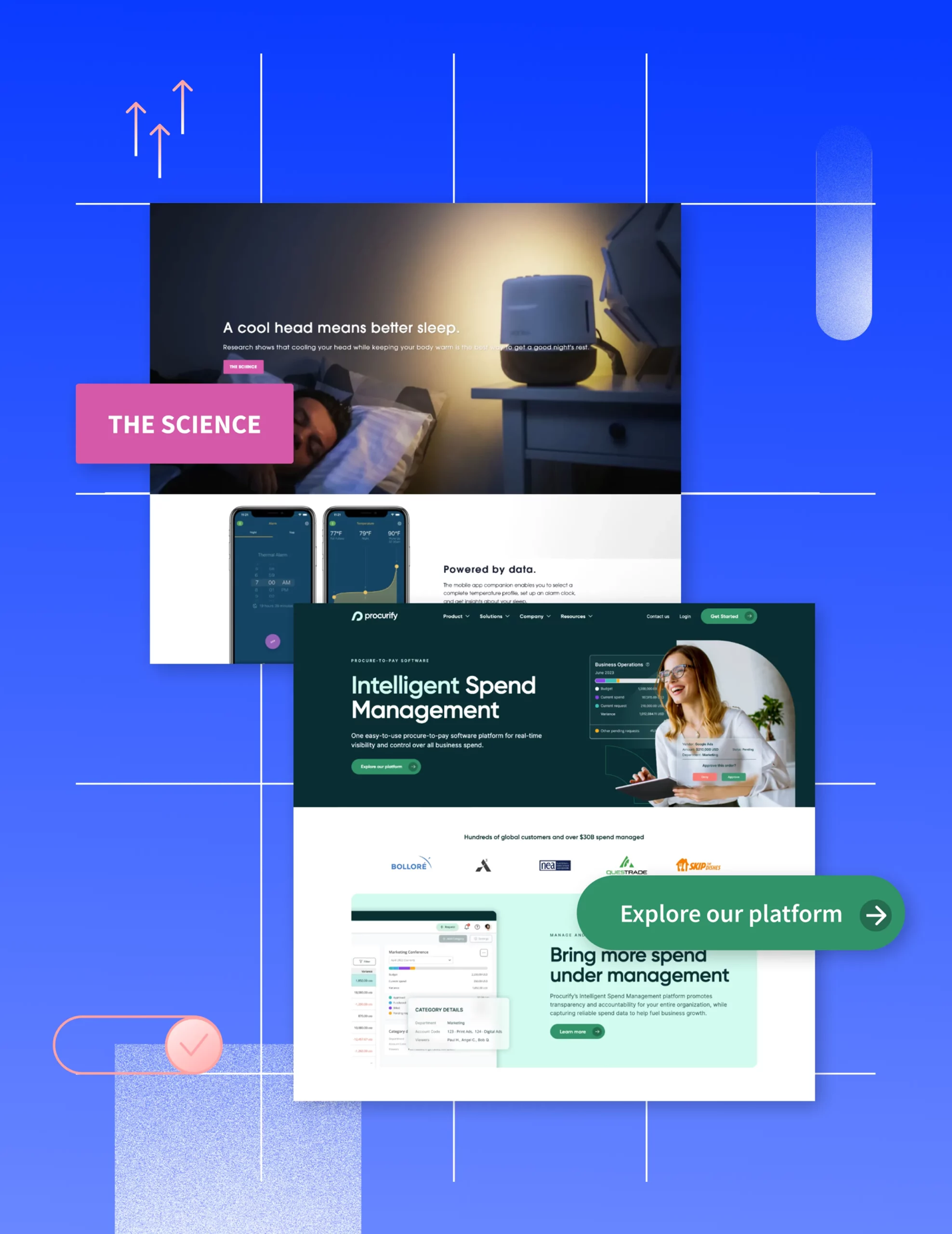
Don't make visitors work to contact you. Every page on your electrician website should have a clear, obvious next step.
Here's what works:
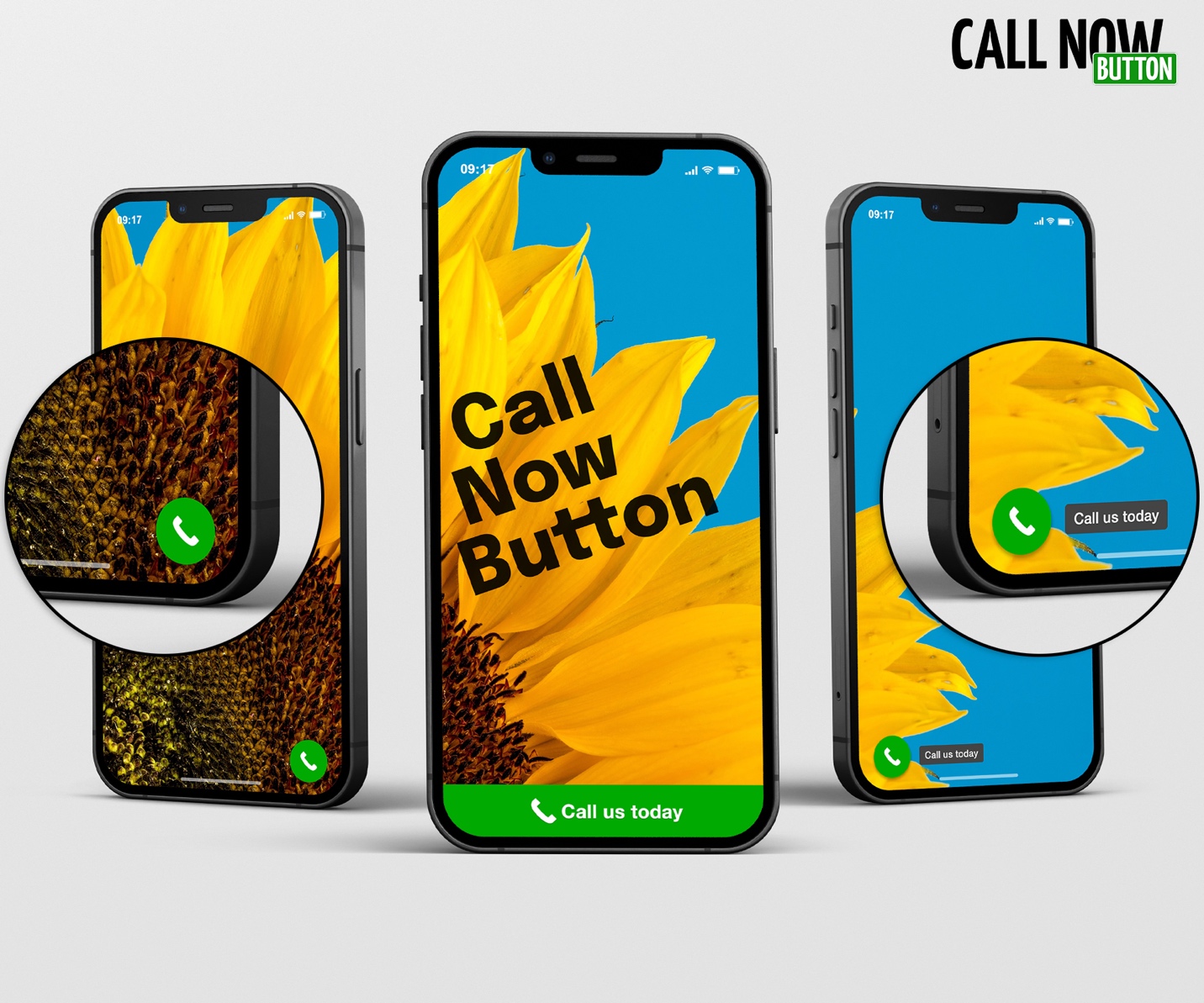
- Sticky "Call Now" button on mobile — Stays visible as the user scrolls. This alone can increase mobile leads by 20-30%
- Short contact form — 3-5 fields maximum (name, phone, service needed, message). Every extra field drops conversion rates by roughly 11%
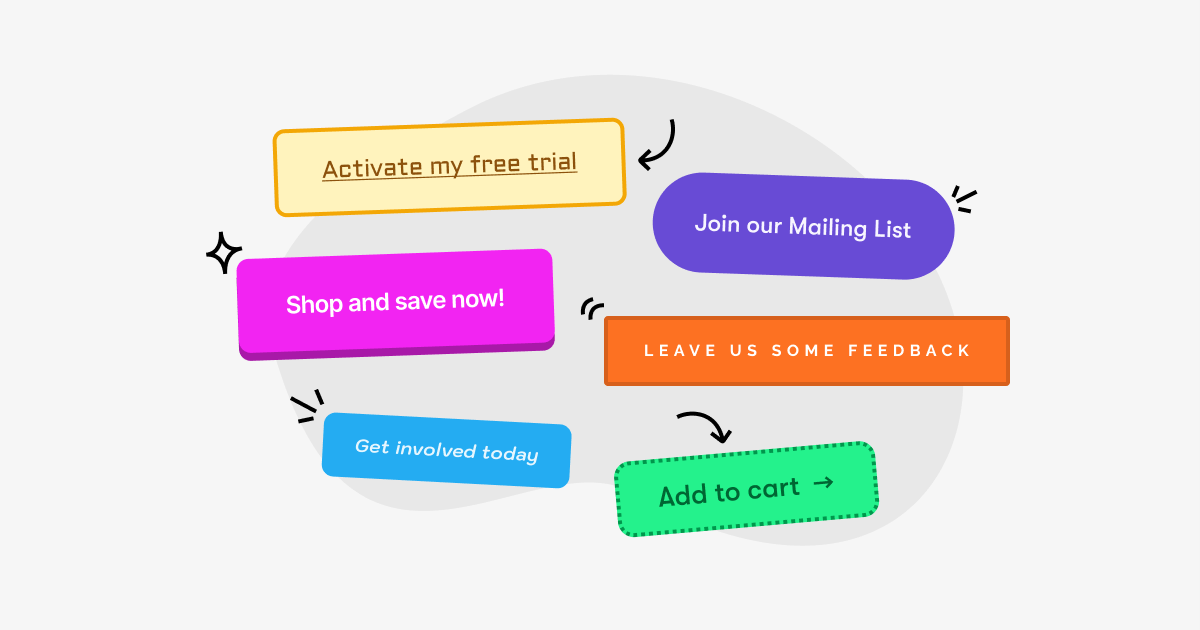
- "Get Free Estimate" buttons — Place them after every major section, not just at the bottom
- Click-to-call phone number — In the header, in the footer, and in the hero section
The rule is simple: no page should require more than one thumb tap to start a conversation. If a homeowner has to scroll to the footer, click "Contact," fill in 8 fields, and solve a CAPTCHA — they'll call the next electrician on Google instead.
6. Fast, Mobile-First Design

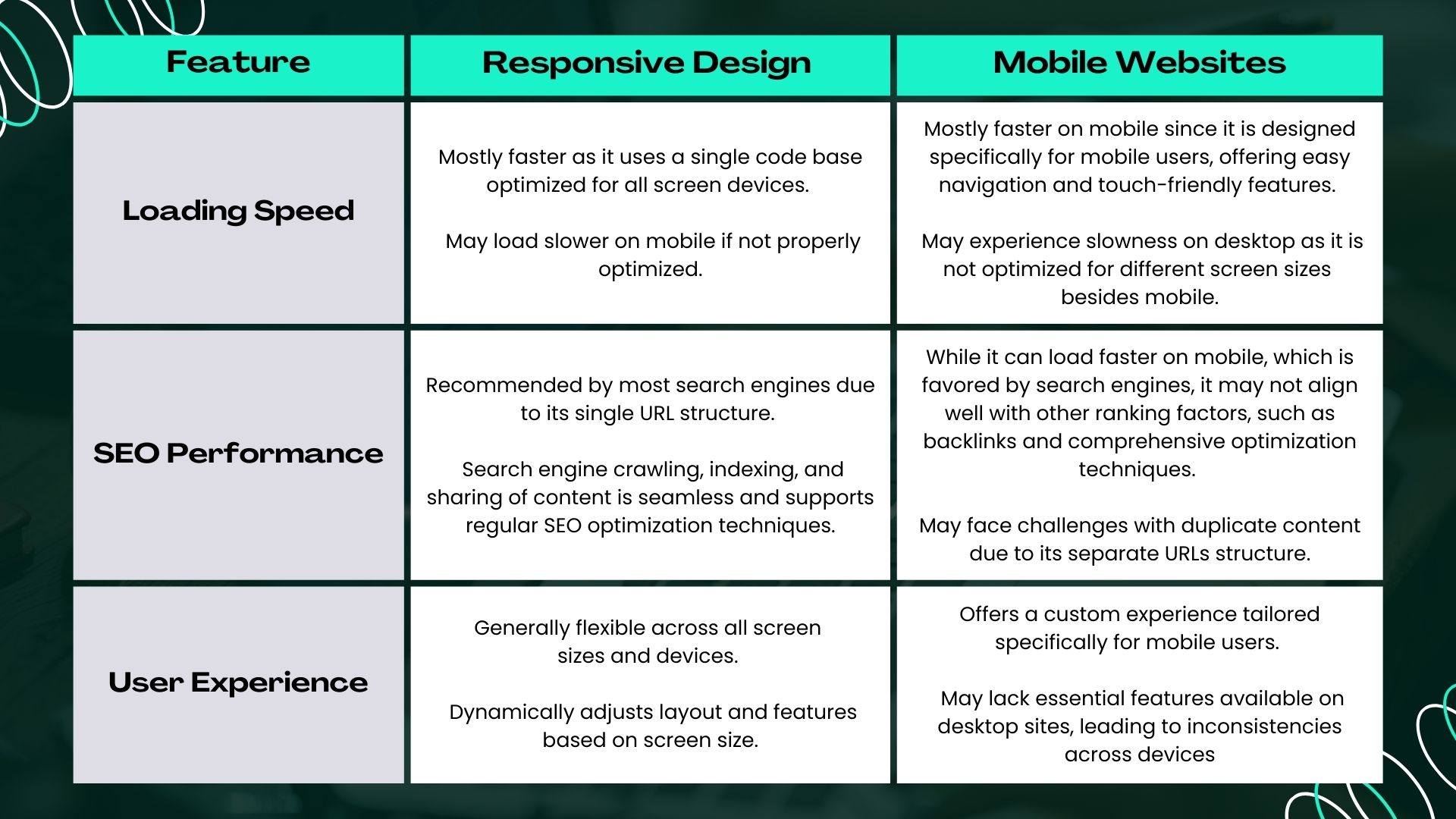
68% of local service searches happen on mobile. Google uses mobile-first indexing, meaning it ranks your site based on the mobile version, not the desktop version.
Your electrician website needs to:
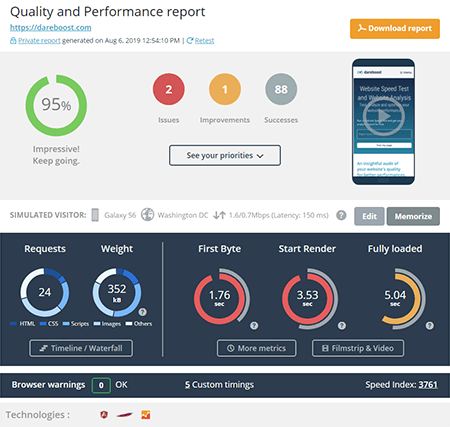
- Load in under 3 seconds — Every additional second of load time increases bounce rate by 32% (Google data). Test yours at PageSpeed Insights
- Use large, thumb-friendly buttons — No tiny links that require precision tapping
- Strip the clutter — Simple layout. No auto-playing videos, no pop-ups covering the CTA, no massive sliders
An electrician in Phoenix, AZ cut their page load time from 5.2 seconds to 1.8 seconds by compressing images and removing a heavy slider plugin. Mobile leads increased 41% in the following 6 weeks. Speed is directly tied to revenue for local service businesses.
The three fastest fixes for a slow electrician website: compress all images to WebP format, remove unused plugins or scripts, and switch to a faster hosting provider. Most local business sites can get under 3 seconds with just those three changes.
7. SEO Fundamentals Baked In
Your website can look beautiful and still be invisible on Google without the technical basics in place.
Every page on your electrician website needs:
- Proper title tags — "Electrician in [City] | 24/7 Emergency Service | [Company Name]" — not "Home" or "Services"
- Internal linking — Your service pages should link to each other and back to the homepage. Your location pages should link to relevant service pages
- LocalBusiness schema markup — This structured data helps Google understand your business type, service area, hours, and contact info. It's what powers those rich snippets in search results
- Google Business Profile integration — Link your website to your GBP and embed your Google Map on your contact page
If you're not sure where your site stands on these basics, our complete electrician SEO guide breaks down every element with implementation steps. You can also use Google Search Console (free) to identify indexing issues and see which searches bring visitors to your site.
8. Real Photos — Not Stock Images

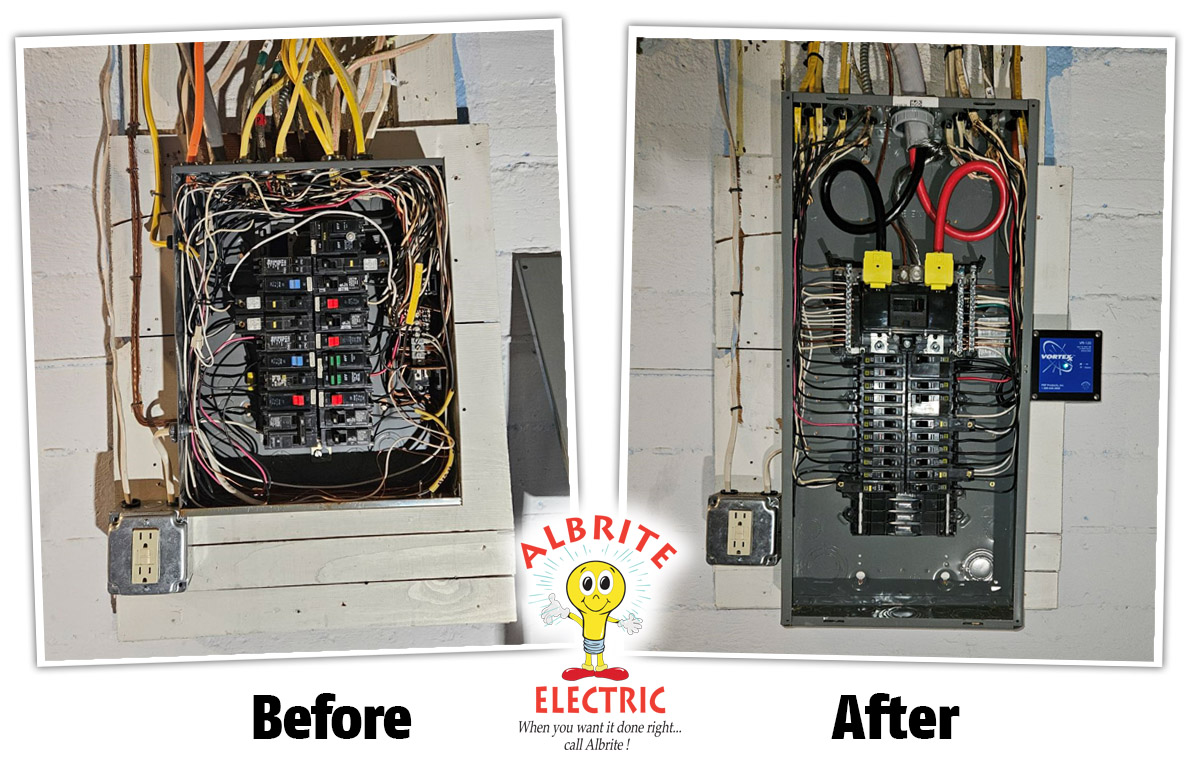
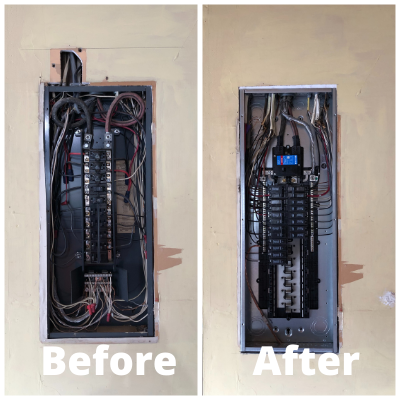
Stock photos work fine as placeholders, and they're better than having no images at all. But real photos of your team and your work give visitors something stock images can't — proof that you're a real, local business they can trust.
Here's what works even better than stock:
- Your team — Uniformed technicians next to a branded van
- Work in progress — A panel upgrade mid-install, new wiring runs, a generator being set up
- Before/after comparisons — Outdated panels replaced with modern ones, knob-and-tube rewiring projects
- Your branded vehicle — Shows you're an established operation in the area
You don't need a professional photographer. A well-lit iPhone photo of your crew finishing a job is surprisingly effective. If you're using stock images today, that's a perfectly fine starting point — just mix in real photos from your jobs whenever you can. Over time, the more authentic your gallery looks, the more it sets you apart from competitors using the same generic images.
9. Simple, Intuitive Navigation
If a visitor can't find what they need in two clicks, they'll find another electrician who makes it easier.
A high-quality electrician website navigation looks like this:
| Menu Item | What's Inside |
|---|---|
| Home | Hero section, trust signals, overview |
| Services | Dropdown with individual service pages |
| Service Areas | Dropdown with location pages |
| About | Team, history, licensing, credentials |
| Contact | Form, phone, address, map |
That's it. Five items. Don't overcomplicate it with "Resources," "Testimonials," "Gallery," "FAQ," and "Blog" all competing in the main nav. Move secondary pages to the footer or make them sub-pages.
The two-click rule: from any page, a visitor should be able to reach your contact form in two clicks or fewer. Test this yourself — open your site on your phone and try to request a quote from every page. Count the taps.
10. Lead Capture Beyond Phone Calls
Most electricians treat their website as a glorified phone directory. But not everyone wants to call — especially younger homeowners, landlords managing multiple properties, or commercial property managers comparing quotes.
Add these lead capture options:
- Quote request form — Short form specifically for requesting pricing (different from a general contact form)
- "Get Pricing" tool — Even a simple "Select your service → Enter your zip code → Get a ballpark range" flow converts well
- Text/SMS option — "Text us at (904) 555-0123 for a quick response." SMS inquiries have grown 38% year-over-year for home services
- Chat widget — Live chat or an automated chatbot that captures name and service need, then routes to your phone
The electricians who offer multiple contact methods consistently report 25-40% more total leads compared to phone-only websites. You're not replacing phone calls — you're capturing the leads who would have bounced without ever calling.
What Separates Average From High-Quality
Here's the honest breakdown:
| Average Electrician Website | High-Quality Electrician Website | |
|---|---|---|
| Pages | 1-3 pages | 10-30 pages (services + locations) |
| SEO | No strategy | Keyword-targeted service & location pages |
| Content | Generic descriptions | Specific, helpful content with real examples |
| Trust signals | Maybe a license number | Reviews, photos, credentials, badges |
| Mobile | "It works on phones" | Designed mobile-first, loads in under 3 seconds |
| Lead capture | Phone number only | Phone, form, text, chat |
| Photos | Stock images | Real team and project photos |
You don't need to nail all ten features overnight. Start with the three that will move the needle fastest for your situation — usually service pages (#2), trust signals (#4), and mobile speed (#6).
Let ServiceGo Find Your Quick Wins
Building a high-quality electrician website takes effort — but you don't have to guess which improvements will drive the most leads. ServiceGo does the analysis for you.
Here's how ServiceGo helps:
- Automated keyword analysis — ServiceGo scans your local market and finds the searches where you can rank quickly with new service and location pages
- Quick-win identification — Instead of guessing which pages to build first, see exactly which keywords have the most opportunity in your area
- DIY guidance — Get step-by-step recommendations you can hand to your web developer or follow yourself
- Done-for-you option — If you'd rather not manage it yourself, ServiceGo handles the optimization for you
You focus on running your electrical business. ServiceGo shows you exactly where to show up in Google.
Get Your Free SEO Audit →